

It’s already been a long winter for much of the country. If you’re like us, you’ve been dreaming of warmer weather; maybe you live somewhere below freezing too (hello, Chicago and New York).
If you’re planning a sunny vacation or any other trip anytime soon, TSA PreCheck is my number one travel tool for American travelers.
Why? TSA PreCheck takes the stress out of airport hustle and bustle by allowing pre-approved, low-risk travelers to expedite airport security at more than 200 U.S. airports when flying on more than 90 domestic and international airlines.
TSA PreCheck lines often move faster than regular TSA lines because TSA PreCheck users don’t have to take off their shoes or belts, or remove laptops or liquids from their bags. TSA PreCheck users also typically undergo walk-through X-ray machines rather than the full-body scanners most travelers undergo. On average, 99% of users wait less than 10 minutes to get through the security line.
Upon joining the program, TSA PreCheck users receive a known traveler number that designates them as a Trusted Traveler member of the U.S. Customs and Border Protection Trusted Traveler program.
TSA PreCheck users must enter their KTN when booking a ticket to ensure the green TSA PreCheck verification symbol appears on their boarding pass.
Even so, sometimes the TSA PreCheck designation may not appear on your boarding pass. If this happens to you, here’s what you can do so you don’t get stuck in the regular TSA queue.
When your frequent flyer account does not list your known traveler number
Your KTN is your ticket to the TSA PreCheck lane – but only if the airline knows you have it.
As soon as you receive your KTN, or when flying with a new airline, add it to your frequent flyer profile so it will automatically populate in the correct fields when booking your flight. This is especially important if you’re flying on an airline you don’t fly with regularly.

Reward your inbox with the TPG daily newsletter
Join over 700,000 readers and get breaking news, in-depth guides and exclusive offers from TPG experts
If you forget to do this, you can add it when booking or checking in for your flight, online or at the airport. If you choose the latter, give yourself enough time to add it to your account and reprint your boarding pass, as there are often delays in uploading the information.
When the name on your ID does not match the name on your boarding pass
Any typographical discrepancies between the name on your boarding pass and the name on your TSA PreCheck account may cause security personnel to notice the discrepancy and flag your boarding pass for closer inspection. Errors may include simple spelling mistakes, such as a misplaced period or a missing middle name, so double-check that the name on your Trusted Traveler account exactly matches the name on your boarding pass.
When your TSA PreCheck access has expired
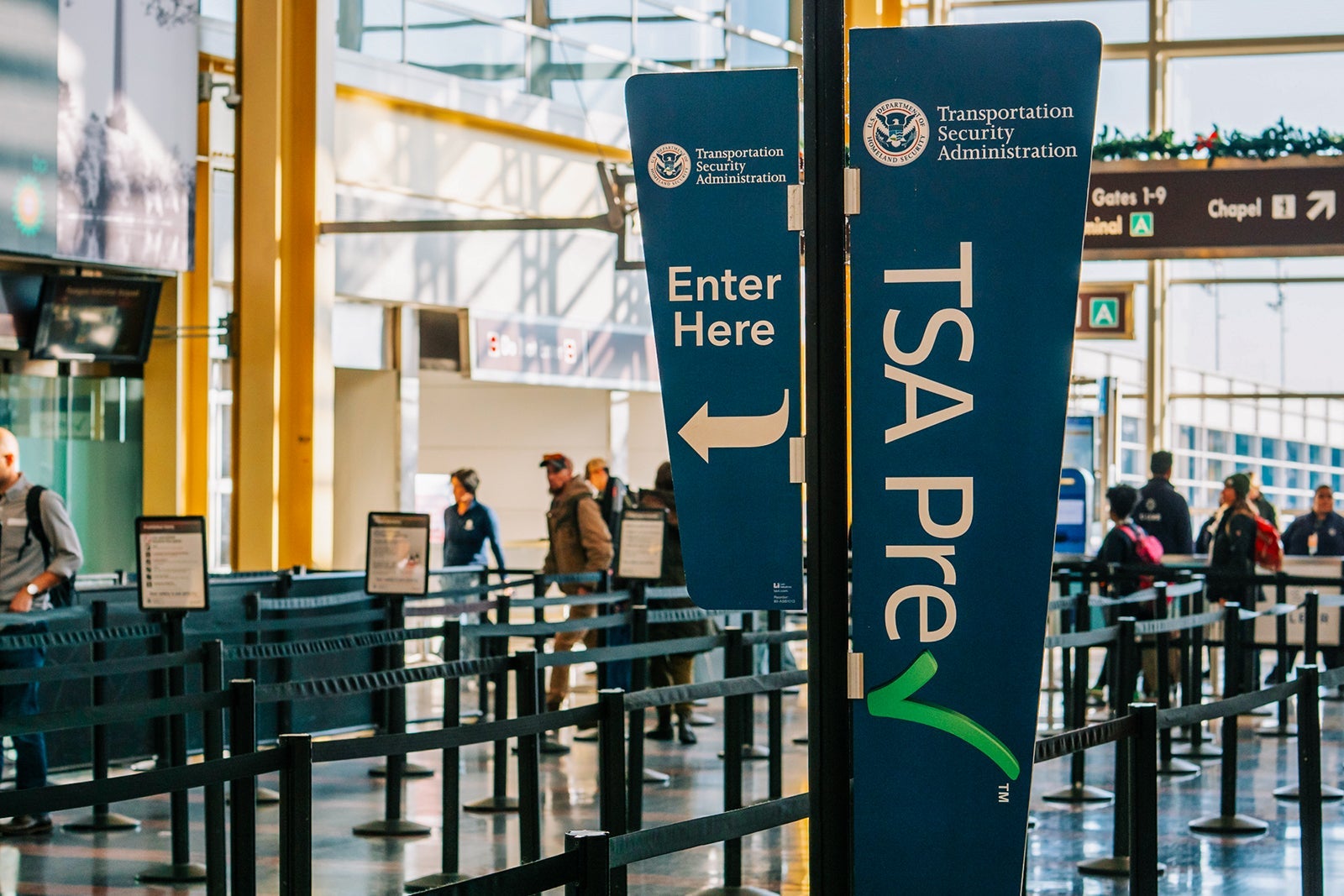
TSA PreCheck membership is valid for five years, at which time you must Update it to continue using it.
You can renew your membership six months before it expires; most people can renew online, but some may need to return to the enrollment center to complete the process.
The cost of TSA PreCheck varies by application provider – it costs $76.75 to apply through Idemia, $85 through Telos, and $79.95 through Clear. Keep in mind that various credit cards offer statement credit reimbursement for application fees associated with TSA PreCheck and Global Entry, since Global Entry also includes membership in TSA PreCheck.
For example, if you’re looking for a card that offers free TSA PreCheck and/or Global Entry, you might consider:
A full list of credit cards offering this discount is available here.
This credit is typically offered every four to five years, but check your credit card terms to find out exactly how often.
When you encounter the terrible SSSS
“SSSS” on your boarding pass is a sign of secondary security screening options, which adds additional checks before you take off. Even if you have TSA PreCheck and/or Global Entry, you’re not immune to those dreaded letters appearing on your boarding pass.
The exact reasons for this designation remain largely unknown. If you are selected, you will only be able to check in at the airline counter and will almost certainly not be able to get through the TSA pre-check line as you will be thoroughly screened by TSA agents.
If this happens to you, you have no choice but to get to the airport early.
This only happened once when we were traveling abroad. TSA agents took our suitcases to a designated area and unpacked them at a separate table. This added a few minutes to the time, but we were then escorted directly to the gate rather than having to wait in the gate area to board.
TSA PreCheck does not guarantee service benefits
Believe it or not, TSA PreCheck is not guaranteed every time a user travels, even when flying on a participating airline at a participating airport.
“TSA uses unpredictable security measures throughout the airport, both visible and invisible,” the TSA said. “All travelers will be screened, but no one is guaranteed to be screened quickly.”
How to Correct a Missing TSA PreCheck Designation in a Short Time
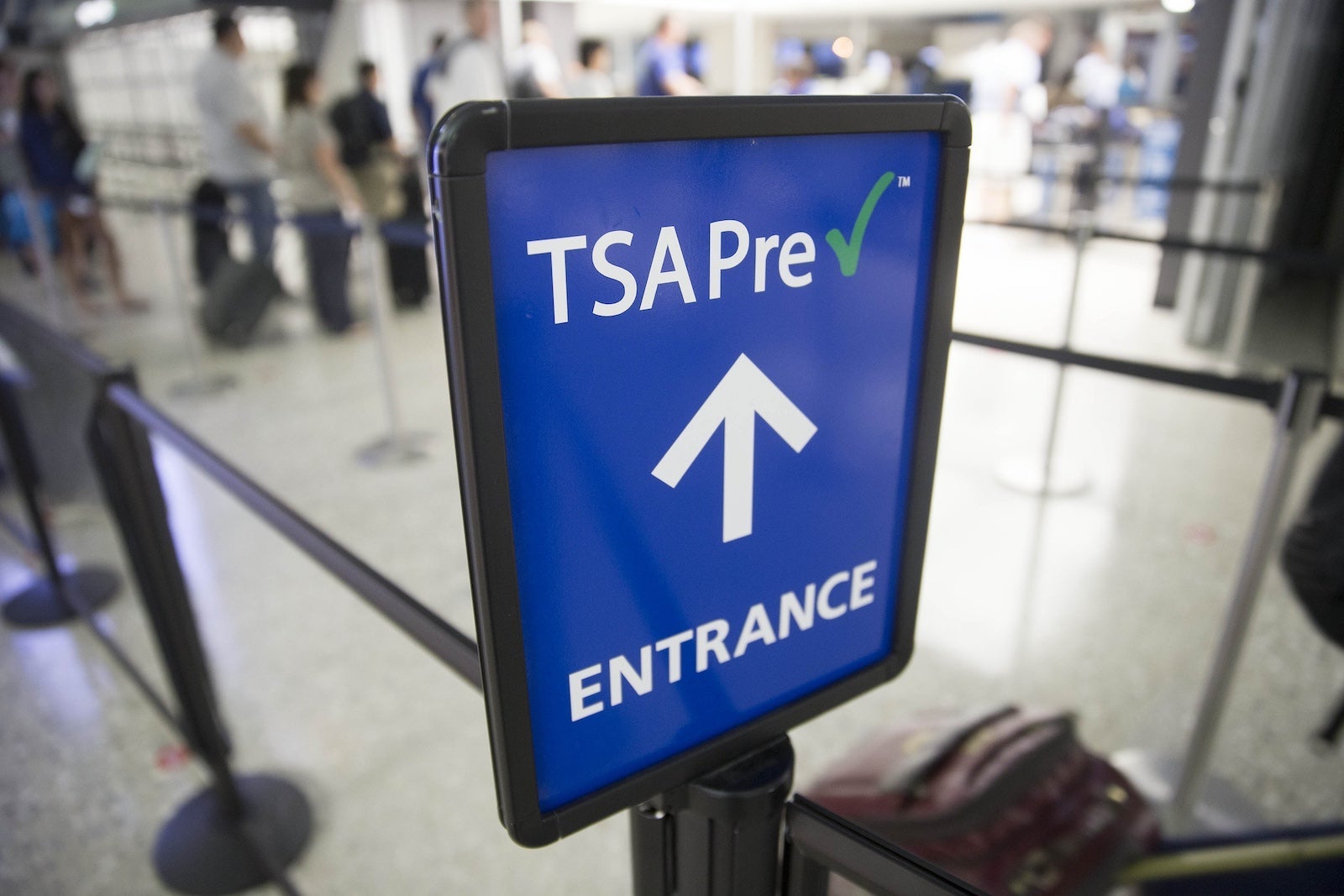
There are several ways to correct a lost TSA PreCheck designation in a short period of time.
If you discover the error before arriving at the airport, please call your airline and provide your KTN. You can also try adding your KTN information to your frequent flyer profile. Once you’ve done this, reload your boarding pass via the airline website or mobile app to confirm it’s been added.
If you don’t discover your missing TSA PreCheck designation until you arrive at the airport, take your boarding pass back to the airline check-in desk and ask the agent to add your KTN to your itinerary.
bottom line
If you’re already pressed for time, the time you save going through the TSA Precheck line could mean the difference between your chances of boarding your flight (and escaping the cold weather). I always recommend doing everything possible to gain access to and troubleshoot TSA PreCheck to ensure it automatically displays correctly on your boarding pass.
Related reading:


